
Never Fully Offline: Dual-WAN Failover Setups for Zero-Downtime Businesses
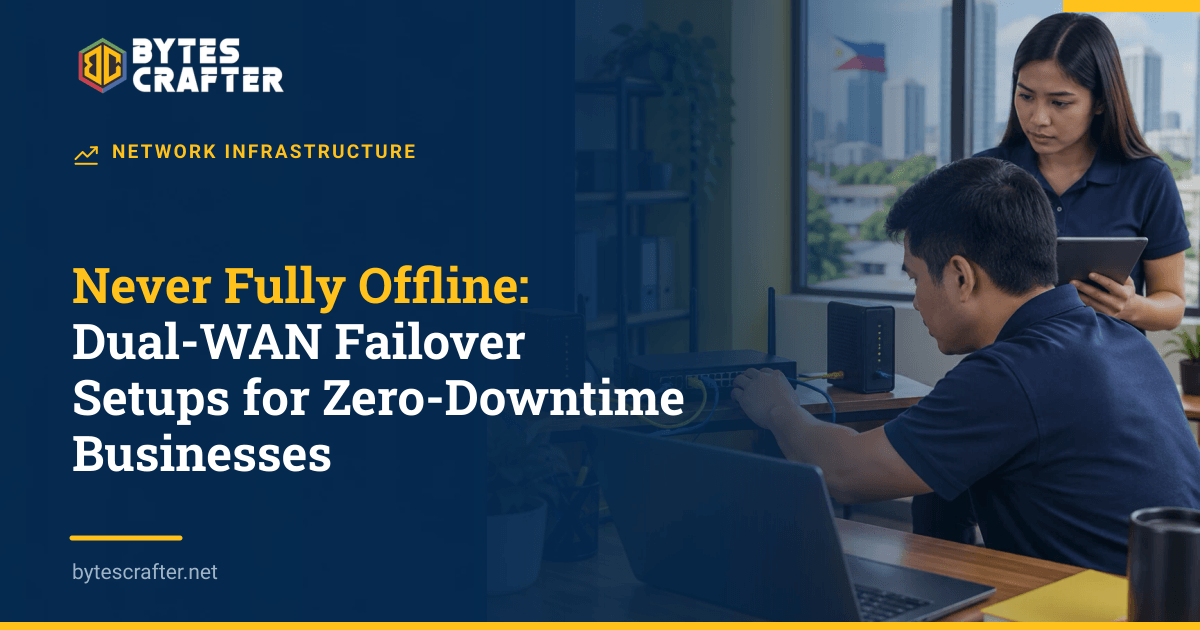
One failed internet line can stop cloud POS, online orders, video calls, and branch systems at the same time. A second subscription helps only if someone can switch traffic to it quickly and the two lines do not share the same weak point. Dual-WAN failover puts both connections into one business router and moves new traffic to the backup when the primary path fails. It can reduce interruption, but “zero downtime” in the title is an operating goal, not a guarantee: sessions may reset, both links can fail, and local power still matters.
Design for different failure modes
WAN means wide-area network: the connection from your office to an internet provider. A dual-WAN router has two such paths and can choose a preferred route plus a standby route. For a Laguna office, a common pairing is fiber from one provider and mobile LTE or 5G from another. A satellite connection may be useful where terrestrial routes fail together, but it needs a clear sky view and suitable power. The right pair depends on the site and the workload, not a universal ranking of technologies.
Two bills are not automatically two independent paths. Providers may use the same pole line, building entrance, upstream carrier, or local power. Ask each provider about the physical entry route and any shared last-mile infrastructure. Trace the cables into the office. Keep the router, modem or optical network terminal, switch, and access point on protected power if a short outage must not take down both paths. Our network consulting service can turn those dependencies into a site plan.
The Konektadong Pinoy Act aims to widen participation and infrastructure access in data transmission. It may create more supplier options over time, but it does not prove that two offers at one address use separate physical routes. Verify the actual installation.
Failover is different from load balancing
In failover, the router prefers line A and sends traffic over line B when A is judged unusable. In load balancing, it may distribute new connections across both. Load balancing can improve aggregate use, but it can complicate applications that expect one stable public IP address. A payment or VPN session can be sensitive to changing paths. A small office that needs simple continuity may start with failover and add balancing only after testing its applications.
Health detection is the crucial decision. A router that checks only whether the fiber modem is plugged in can miss an upstream ISP outage. A check to an internet destination can detect more, but one destination may itself fail or stop responding to pings. MikroTik's official WAN failover documentation describes preferred and backup routes with reachability checks and ways to improve detection reliability. The exact configuration depends on router model, software, addresses, NAT rules, and any VPN or inbound services. Copying a command block from a guide into a live POS network is not a safe migration plan.
Decide how long the primary must fail before switching, and how long it must recover before switching back. Fast detection is attractive, but an unstable line can cause repeated flips. Define a hold-down period and alert when failover happens. A backup line that carries production traffic silently for weeks can hit a data cap or hide a primary outage from management.
A four-step small-office setup plan
1. Inventory applications and limits. Write down which systems must continue when the primary line fails: payment terminals, cloud POS, accounting, email, VPN, voice, CCTV viewing, and guest Wi-Fi. Mark any that require a static public IP or inbound connection. Estimate how much backup bandwidth is needed for essential work, not every optional stream.
2. Install and test each connection alone. Confirm the second line works before involving the router. Record gateway details, DNS behavior, IPv4 and IPv6 availability, and whether the provider uses carrier-grade NAT. Test the business application on the backup line. A speed test does not reveal that a branch VPN cannot connect through it.
3. Configure preferred and backup routes. Save the router's existing configuration. Set meaningful health checks through each ISP, the preferred route, the standby route, and the return-to-primary behavior. Confirm firewall and network address translation rules on both paths. Document any service that cannot survive a changed public IP. Restrict router administration and keep the backup credentials secure.
4. Rehearse the failure. During an agreed window, disconnect or disable the primary path in a controlled way. Time detection and recovery. Complete a test sale, load a cloud record, place a call, and connect the branch VPN. Reconnect the primary, then check that the router returns correctly without dropping transactions unnecessarily. Repeat with the primary modem still powered but its upstream service unreachable; this catches the weak “cable unplugged only” design.
Record the result as a short runbook: observed failover time, affected applications, manual actions, contact numbers, and the person who may change routes. Schedule another drill after router updates or ISP changes. Check that monitoring alerts reach a human when a line fails, because automatic continuity can otherwise conceal a growing problem.
What the backup line cannot solve
Existing sessions may disconnect when their public IP changes. Some applications reconnect automatically; others require the user to sign in or retry a transaction. A payment terminal should be checked for duplicate or uncertain transactions before a sale is repeated. A local router failure needs a spare or replacement, not just another ISP. A building-wide power failure needs an electrical continuity plan. A fiber cut that also damages the cellular tower backhaul may defeat both terrestrial links.
Price the full setup, including installation, router capacity, power, backup data, monitoring, and drills. For many SMEs the objective is to keep essential transactions working at an acceptable level during an outage, while lower-priority uploads pause. Define that minimum mode with staff before buying bandwidth.
If a business currently switches to phone hotspots by hand, book a call to review its two link options, the applications that need continuity, and a failover test that demonstrates what will actually happen.
Related Stories
One Flat Network Is a Risk: Network Segmentation for Small Offices
A Laguna office can have a fiber modem, one Wi-Fi password, and a rack full of equipment yet still have almost no boundaries inside its network. The cashier's point-of-sale termina…

Beyond the Punch Clock: Wiring Biometric Attendance Into Your Payroll Software
A fingerprint scanner at a Laguna factory gate can record arrival punches while payroll still depends on someone copying times into a spreadsheet. The device and payroll software o…
Satellite Internet as a Backup Line: Does Starlink Make Sense for Your Business?
Is Starlink for business in the Philippines a sensible second connection? Picture a small Laguna distributor whose order desk, cloud inventory, and supplier messages all depend on…