
From Shoebox to Cloud: Digitizing Receipts and Records for ITR Season 2026
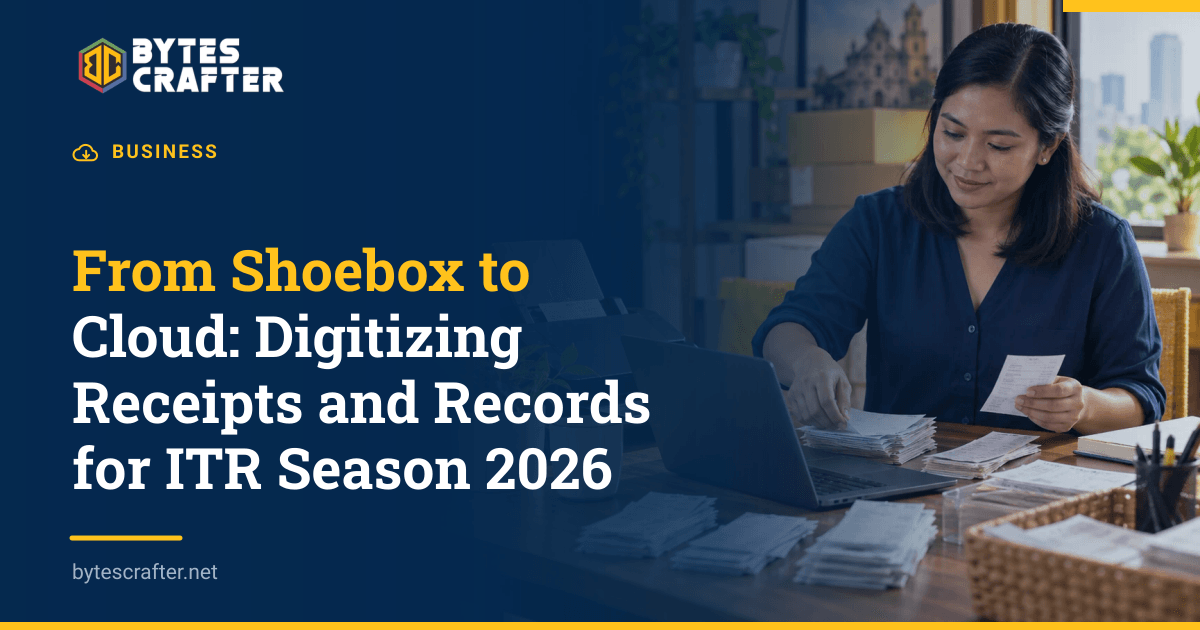
When a Laguna business asks its accountant for the annual income tax return, the obstacle is often less dramatic than tax software: supplier invoices are in a box, bank confirmations are in email, and expense photos are on several phones. A useful digital archive starts by connecting each transaction to the document that explains it. We would build that trail before buying a scanner or moving another shoebox into cloud storage.
Know which record you are preserving
The distinction between an invoice and an official receipt matters. Under the BIR's Revenue Regulations No. 7-2024, an invoice is the primary document evidencing a sale of goods or services; an official receipt is supplementary. A customer who keeps only an OR when an invoice is required may have an incomplete supporting record. Ask the issuer for the correct document instead of assuming a high-quality scan can cure a missing one.
The same regulation's Section 4 sets a general five-year preservation period for books of accounts and other accounting records, counted from the day after the prescribed return filing deadline or, if the return was filed late, from the actual filing date for the taxable year of the last entry. It distinguishes manual and loose-leaf books, kept in hard copy, from computerized books, kept in electronic copy. It also describes exceptions, including records material to a pending protest or refund claim. These are rules about the underlying records, not a blanket permission to discard every physical original after scanning it. Let your accountant determine which originals must remain.
Digitizing receipts is therefore an access and control project. A scan helps locate and share a document; a bookkeeping entry classifies it; the original or compliant electronic record satisfies whatever preservation rule applies. Treat those as separate jobs.
Sort the pile before scanning
Begin with one accounting period and one intake tray. Separate sales invoices, supplier invoices, credit or debit notes, bank and payment records, payroll-related records, and tax filings. Keep personal purchases and unresolved items in a review pile rather than silently mixing them into business expenses. If your team operates in Biñan and Santa Rosa, add the branch or project on the intake sheet so later reviewers know where a cost belongs.
For each document, capture a few fields before you forget its context:
| Field | Why it helps |
|---|---|
| Document date and number | Connects the file to the issuer's record and your ledger |
| Supplier or customer | Makes search and duplicate checks possible |
| Gross amount and tax treatment to review | Lets the accountant reconcile, without the scanner deciding tax classification |
| Payment reference | Joins invoice, transfer confirmation, and bank statement |
| Branch, job, or cost center | Explains the business purpose |
| Reviewer and exception note | Shows what still needs correction |
Do not force a wrong category just to clear the tray. An unreadable thermal slip, an invoice issued to the wrong company, or two documents with the same number belongs in an exception queue. Decide who contacts the vendor and what evidence closes the issue.
Scan for legibility and retrieval
A phone camera may be adequate for a clean, flat page. For batches, a document scanner with an automatic feeder can save manual work. The best device is the one your staff can use consistently, with a quality check after capture. Check that the full page, edges, date, amounts, issuer, and document number are visible. If a slip has writing on the back, capture both sides. Retake blurred images immediately.
Use a predictable file name, such as 2026-03-18_supplier-documentnumber_branch.pdf. The name is a search aid, not the only index: keep the key fields in a spreadsheet or accounting system as well. If OCR, or optical character recognition, reads a number from the image, verify it against the document before posting. A decimal point or TIN error can carry through every downstream report.
Save a stable file format such as PDF for a multi-page set and preserve the image quality needed to inspect small text. Keep each document with its related pages; do not merge an entire month's unrelated expenses into one giant file. Assign a unique intake ID so a corrected scan can replace the bad image without losing the ledger link or review history.
Set up a cloud folder your accountant can use
A simple structure might be Year / Entity / Sales or Purchases / Month, with a separate Exceptions folder and a Filed Returns folder. Choose one naming rule and write it down on a single page. Give the accountant read access to the relevant records and an agreed place to return questions. Keep editing rights limited to the staff who intake or reconcile documents.
Cloud storage is only one copy unless you have checked its backup and recovery behavior. Decide how often the archive is backed up, who can restore a deleted file, and whether you can export an entire year if you change providers. Test restoration of a sample folder. Review access when a bookkeeper, cashier, or outside accountant leaves the role. For a business with no dedicated IT staff, this is the point where our cloud computing services can help design access, backup, and a practical handoff.
Avoid sharing one password for everyone. A folder that contains customer names, employee pay records, or financial statements needs access appropriate to those records. The National Privacy Commission's implementing rules describe reasonable organizational and technical measures for personal data, including access limits and protection against loss or unauthorized disclosure.
Reconcile the archive before filing
Digital files do not prepare a tax return by themselves. At month end, compare sales records with issued invoices and payments, expenses with supplier documents and bank movements, and the ledger with any adjustments from the accountant. Keep a short list of missing or disputed items. If a file was received by email, store the invoice itself and enough context to identify the sender and transaction; a screenshot of an email subject line is a poor substitute.
The BIR's 2026 annual return filing guidance distinguishes filing through eFPS for enrolled taxpayers from use of the offline eBIRForms package by non-eFPS taxpayers. Ask your accountant which route applies to the business and which attachments or confirmations must be kept. Your receipt archive supports that process; it is not the eBIRForms submission itself. Save the filed return and confirmation beside the records used to prepare it.
Keep e-invoicing as a separate workstream
Scanning a paper receipt creates an image. A structured electronic invoice contains data in a form that a system can extract and transmit. The two should not be described as equivalent. BIR RR No. 11-2025 identifies categories of taxpayers covered by electronic invoicing, while RR No. 26-2025 extended the compliance period for covered taxpayers to December 31, 2026. Coverage depends on the business and its systems; an accountant should check the current rule before a purchase decision.
Even if structured e-invoicing is a separate project, the archive exposes useful gaps: inconsistent customer names, missing invoice numbers, manual corrections, and sales channels that do not feed accounting. Fixing those data problems makes any later integration easier to scope.
Start with one month's documents, measure how many need clarification, and refine the folder and review steps before back-scanning years of records. If your team needs a reliable place for invoices, controlled access, and a recovery plan, ask us to map the document workflow.
Related Stories
How to Choose an IT Services Provider in Laguna: 10 Questions to Ask Before You Sign
Choosing an IT services provider in Laguna is a business continuity decision, not just a search for the nearest technician. A retailer in Biñan, a warehouse in Cabuyao, and an offi…

The Final Stretch: Your E-Invoicing Migration Plan Before December 2026
The last months before a tax-system deadline should be used for testing, not for discovering where invoices come from. For the taxpayer groups specified in BIR Revenue Regulations…
What to Put in a Managed IT SLA Before Signing
An IT support proposal may promise a “fast response” while leaving the buyer to decide what fast means when the office server is down. Before signing a managed IT service-level agr…